
One tap to inbox
Type the thought. Tap Capture. The note is written to your vault inbox as a Markdown file.
- No forms or confirm sheets
- Lands in the folder you chose
Productivity · Coming soon
Your vault, one tap away.
Capture a thought to your vault inbox in one tap. Private, on-device, Markdown, no account.
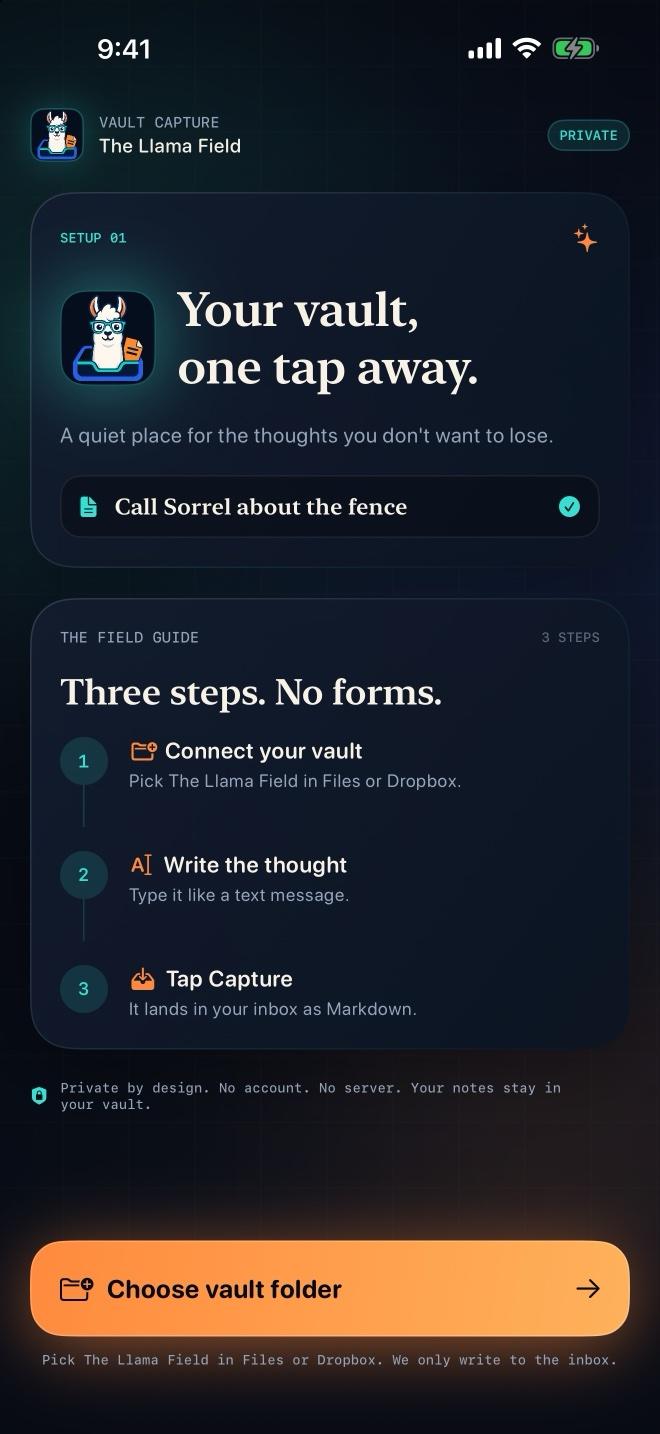
Saved product captures. Prices, example records and interface state are shown as captured; they are not current offers or a live status feed.
Vault Capture writes a Markdown note straight to your vault inbox. Pick your folder once. Type a thought. Tap Capture. No forms, no folders, no confirm sheet. It is capture-only in v1: filing is not automatic, and nothing leaves the device.
A quiet place for the thoughts you do not want to lose. Type it. Tap Capture. It lands in your inbox as Markdown.
Type the thought. Tap Capture. The note is written to your vault inbox as a Markdown file.
The file lands ready for Obsidian, Dropbox, or Files. No export step.
No account. No server. No ads. Your notes stay in your vault.
Choose the vault folder once. Vault Capture only writes to the inbox.
| Platform | iOS |
|---|---|
| Availability | Coming soon |
| Version | 1.0 |
| Source record | November 2026Synchronization date, not a capture or launch date |
| Who it is for | Obsidian users · People who capture notes on a phone · Anyone who wants a private inbox for stray thoughts |
| Tools behind the build | Swift · SwiftUI · iOS 26 · Markdown · File access |
Recorded update · 2026-11-15 · 1.0
Version 1.0 build 2 is submitted and waiting for App Store review. TestFlight build 2 is available for internal testing, and the App Store media set is uploaded and verified.
| November 2026 | Vault Capture 1.0 build 2 is in App Store reviewVersion 1.0 build 2 is submitted and waiting for App Store review. TestFlight build 2 is available for internal testing, and the App Store media set is uploaded and verified. |
|---|
Start with the business task. We will work out what needs building and what belongs in the scope.
Thursdays
Each Thursday: the shop notes and AI daily issues from the last seven days, and one product. Unsubscribe from any issue.